Korgi Blog.

Korgi Add-on is now in Google Workspace Marketplace™, plus our privacy update and new floating console icon

Cover Image for Korgi Add-on is now in Google Workspace Marketplace™, plus our privacy update and new floating console icon
korgiboard
korgiboard
Posted

Korgi's officially everywhere you are in Google Workspace! Add any Gmail, Calendar event, or Drive File to a Korgi board or to your Google Calendar when you install the Korgi Add-on:

Korgi also has privacy and feature updates to share. Be sure to take the new 45-second product tour when you create a new board or open any board you own.

  1. Privacy Policy. We've updated our Privacy Policy to advise that changes are notified via the "Latest update" date at the top of the page. 
  2. Korgi Console launcher. The "i" icon from the top nav bar now is a floating icon on the bottom right of your screen, for easy access to your favorite features: Dash (for Gmail and more), Chat/Notes, Korgi AI, Invites/Referrals, Contact Korgi, and Help.)
  3. Collapsible columns. You asked - really specifically! - and we answered. YES, you now can collapse and expand individual or all columns to help navigate large boards.
  4. Copy/Move columns and cards. Easily dupe and relocate them from any card drawer.
  5. Korgi AI update. We've updated Google Gemini - expect faster, expanded responses. Per our Privacy Policy, we do not share your information to develop, improve, or train AI.

Rooting for you and your projects!

More Stories

Cover Image for If your first move with AI is "vibe coding" an app – you're setting yourself back three steps.

If your first move with AI is "vibe coding" an app – you're setting yourself back three steps.

As the tech industry refocuses from generating media and content with AI to the lure of building an app – and, by assumption, a billion-dollar business – with one chat prompt, "vibe coding" has become its own ecosystem. If your plan for a successful business is to first spin up an app, here's why you […]

korgiboard
korgiboard
Cover Image for Clearing your browser tabs with Korgi Clipper just got faster, easier – and mobile!

Clearing your browser tabs with Korgi Clipper just got faster, easier – and mobile!

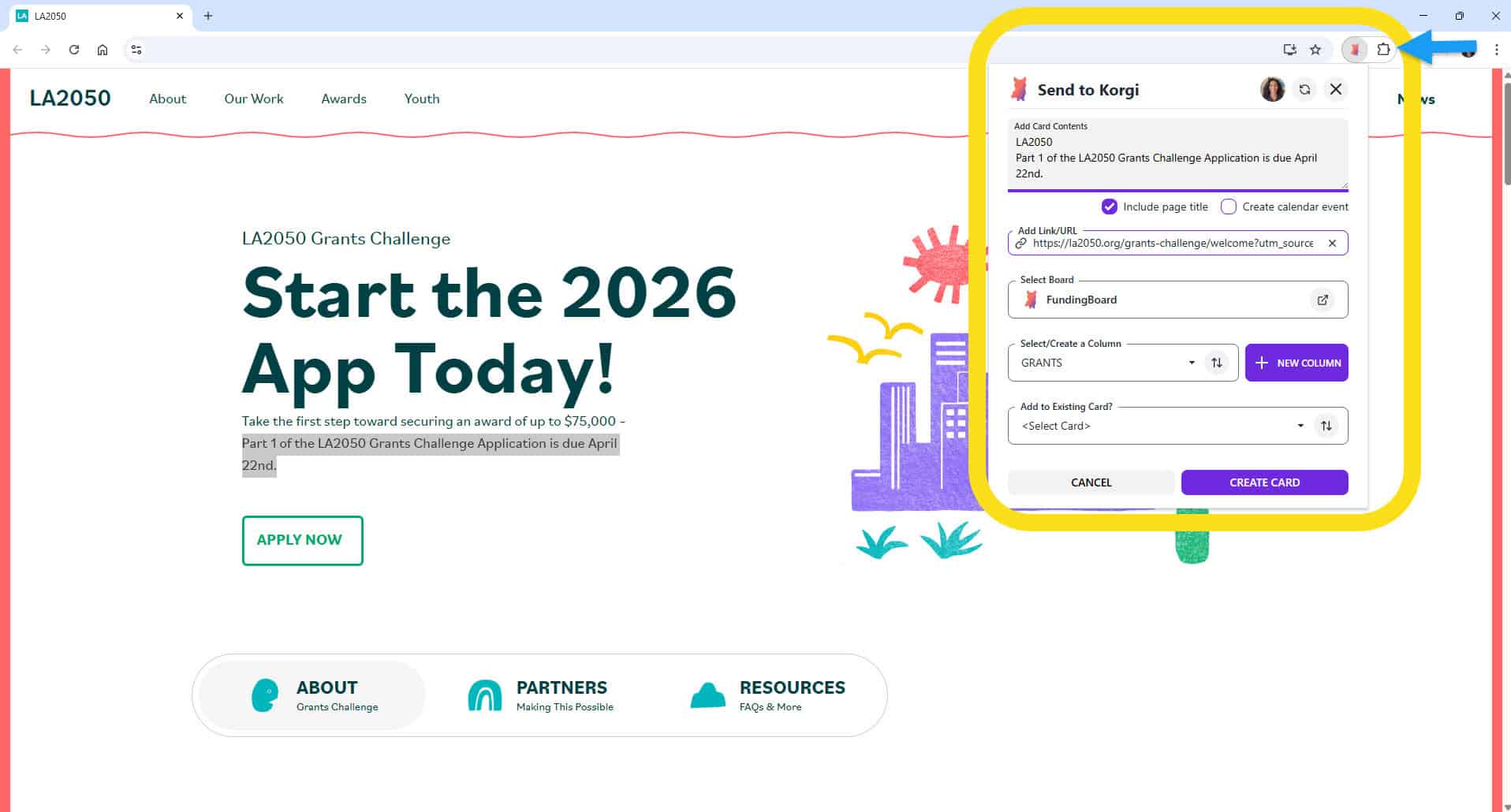
If your project management system still is leaving dozens of tabs open to remind you to do things...this one's for you. The Korgi Clipper Chrome Extension makes it fast, easy, and powerful to build central boards for funding opportunities, research teams, timeline building, and much more – on Chrome, Edge, and other browsers that are […]

korgiboard
korgiboard
Cover Image for NEW! Select multiple assignees when you filter your board

NEW! Select multiple assignees when you filter your board

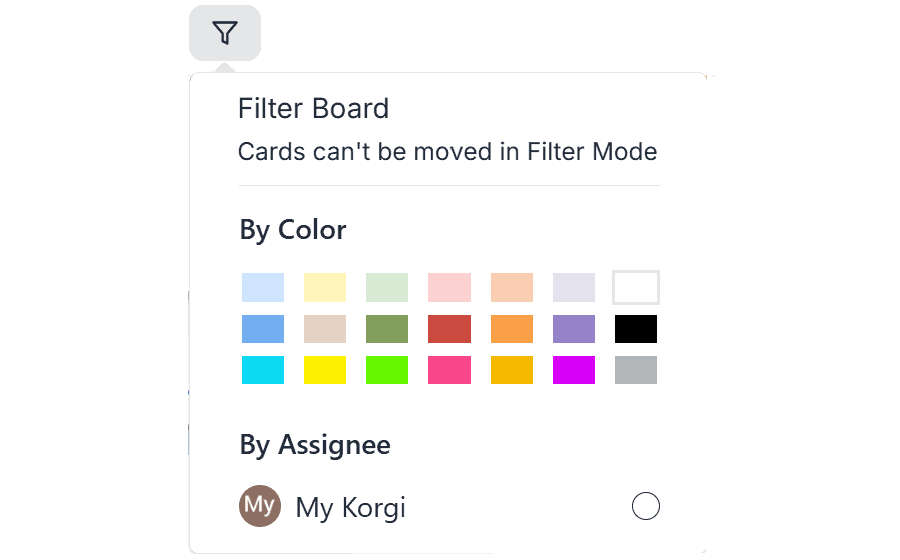
Korgi recently added the ability to filter your boards by card color and by card assignee. When you need to get deeply focused: REMINDER: to change the color of a card, open its "drawer" (select the three dots on the bottom left of any card), then select the color palette icon in the first row […]

korgiboard
korgiboard
Cover Image for Many College Apps are STILL OPEN – Here's How Students and Families Can Navigate Them as a True Team

Many College Apps are STILL OPEN – Here's How Students and Families Can Navigate Them as a True Team

SUMMARY: Watch a lively and practical conversation with Jeanine Mouchawar, certified parenting coach, and DMA Anderson, CEO of Korgi, offering techniques and tools for parents and guardians to effectively navigate college applications with their teens. It's not too late to apply to many great schools – and it's never too late to adapt your communication […]

korgiboard
korgiboard